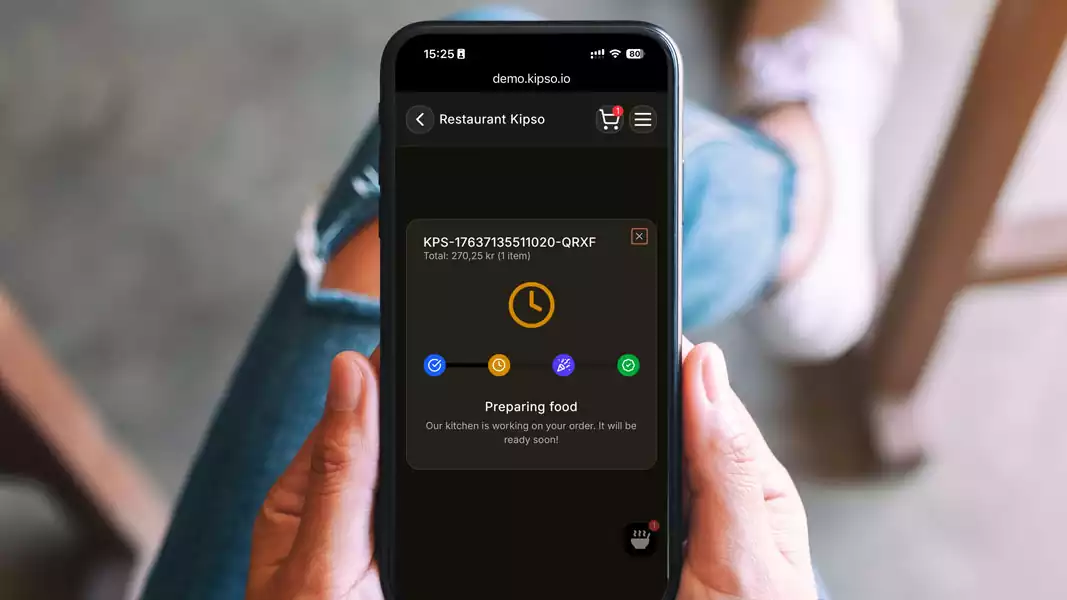
Why Events and Festivals Should Use Online Ordering
Events, festivals, and concerts often face major operational challenges: long queues, unpredictable demand, and high staff pressure. Online ordering solves all three.
1. Shorter queues = more sales
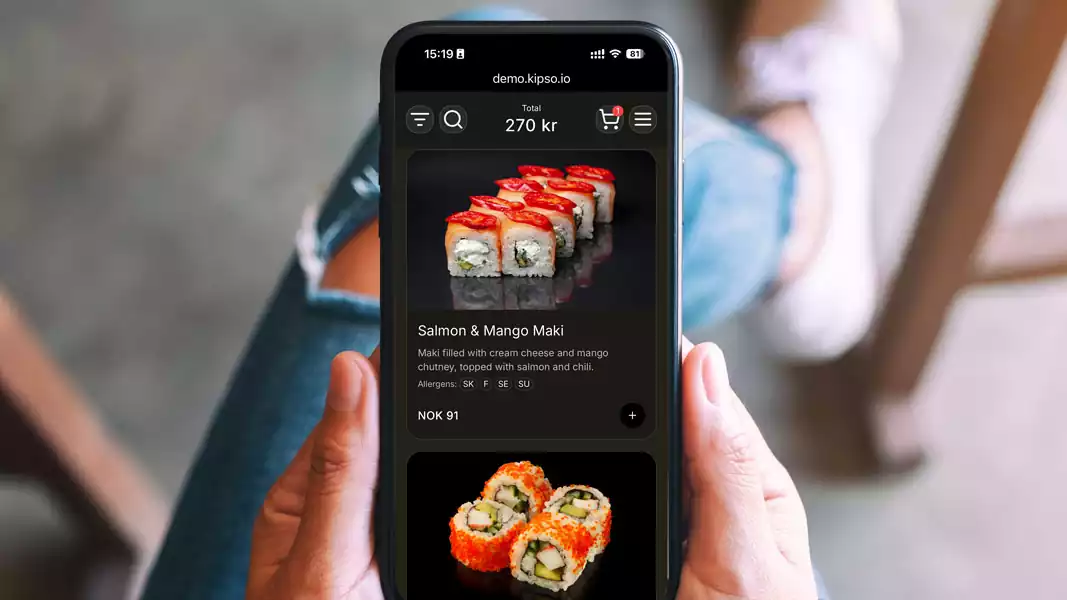
When guests can order food and drinks on their phones, they avoid long lines — increasing both sales and satisfaction.
2. Better control of kitchen capacity
Mobile ordering smooths out peaks and distributes orders evenly, helping the kitchen stay on top of demand.
3. Fewer mistakes
Automated order flow reduces human error — crucial in busy environments.
4. Valuable data and insights
Event organizers gain insight into:
-
Top-selling items
-
Peak order times
-
Average preparation time
-
Staff load
5. Lower staffing requirements
Many events report a 20–40% reduction in cashier labor after switching to mobile ordering.
How to Increase Your Takeaway Sales Digitally in 2025
Digital takeaway continues to grow in Norway, and the restaurants that succeed follow a set of proven strategies. Here are the methods that provide the largest impact in 2025:
1. Optimize your menu for mobile
Over 90% of takeaway orders happen on mobile.
To improve conversions:
-
Keep 8–12 items per category
-
Use high-quality photos
-
Avoid overly complex choices
2. Use time-based promotions
Boost volume during quiet hours.
Examples:
-
10% off between 14:00–16:00
-
Free drink for orders above 300 NOK
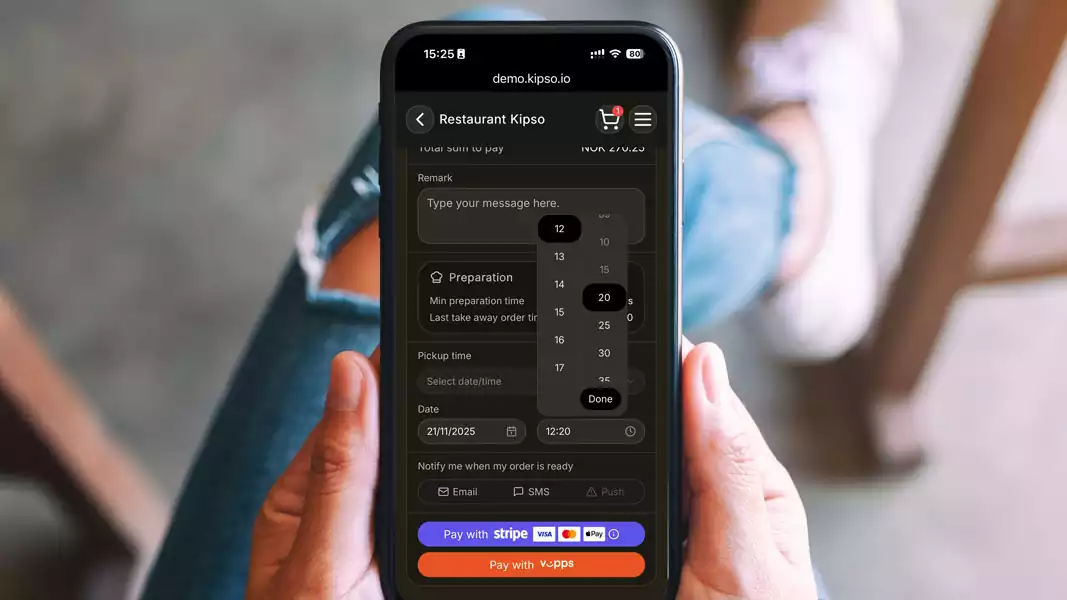
3. Make the checkout flow frictionless
Shorter flows = more orders.
-
Vipps, Stripe, Klarna
-
Quick pickup times
-
Real-time waiting estimates
4. Encourage re-ordering
A “reorder” button typically increases sales by 10–30%.
5. Communicate order status
Live updates (“in progress”, “ready for pickup”) reduce stress and improve customer satisfaction.
How Much Does an Online Ordering System Cost for Restaurants in 2025?
In 2025, restaurants can choose from a wide range of online ordering systems — from simple takeaway tools to full POS-integrated platforms. Prices vary significantly, and many restaurants end up paying more than they realize.
An ordering system is typically priced in three ways:
1. Fixed monthly subscription
This is the most predictable and the most popular model for restaurants that want cost control.
Benefits:
-
You always know what you pay
-
Costs do not increase as your sales grow
-
Easy to budget
Typical price: NOK 500–2000/month, depending on features.
2. Commission per order
Many international platforms take 5–15% commission per order.
Drawbacks:
-
Profitability decreases as sales increase
-
Very difficult to maintain margins
3. Hybrid model: low monthly fee + small transaction fee
A predictable and flexible blend.
Typical structure:
-
Fixed monthly price
- 1–3 NOK per order
What is most cost-effective for restaurants in Norway?
For small and medium-sized restaurants, the fixed monthly or hybrid model is clearly the most profitable.
Commission-based systems rarely make sense when margins are already tight.
Conclusion
A well-designed digital ordering system in 2025 should cost between 650 and 2150 NOK per month, depending on restaurant size, capacity, and features like table ordering, takeaway, and delivery.